
PURCHASE ORDER SOFTWARE
Raise, track and approve purchase orders in the same system you use to manage jobs.

CONTROL YOUR COSTS WITH SOFTWARE FOR PURCHASE ORDERS
Ditch the admin
Create, send and track purchase orders from the system – no paperwork or calls to the office. Spend less time on admin and more on work that matters.


Stay on top of spending
See what’s been ordered, approved and paid – all in one place. No digging through emails or spreadsheets. No surprises when the invoice lands.
Keep jobs moving
On-time deliveries, parts in stock and field workers ready to go – when everything’s ordered and tracked properly, your team keeps moving and jobs get done on time.
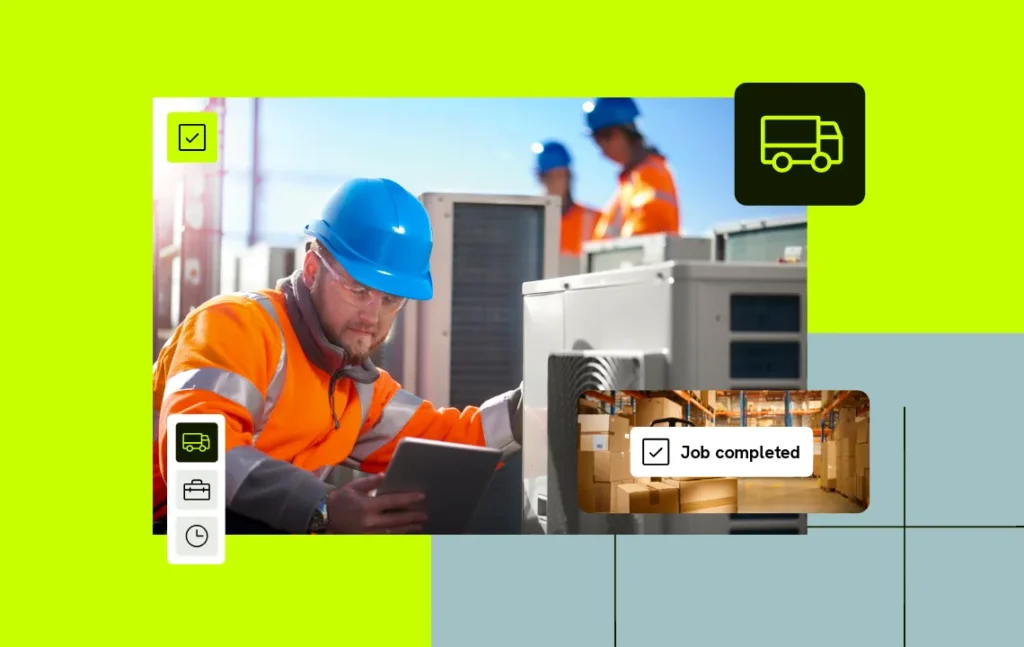
Purchase order software in practice
See how purchase ordering systems like Eworks can help you save time and money.
Track spending
Know exactly how much you’ve spent on parts and materials. A quick dashboard view or detailed report. However much detail you need, it’s there.
Everything in one place
Spend less time managing spreadsheets or paperwork. Raise, send and track all purchase orders and invoices in one system.
Full control
No more surprises on invoices. Approve purchase orders created by your team. Know what you’re spending before you spend it.
Save time
Never create the same purchase order more than once. Set up recurring purchase orders and let the system handle the work for you.
Sync data
Stop entering the same data twice. Post purchase orders straight to your accounting software and cut out double entry for good.
Prevent delays
When parts are ordered on time, and tracked through the system, field workers always arrive with what they need. No waiting around, no wasted visits.
Trusted by top field service teams
Explore more features
Inventory Management
Spend less time chasing materials. Know what’s in stock and what needs to be ordered, so your field workers always arrive prepared.
Supplier management
Know who you buy from, what they charge and how reliable they are. Make better decisions about the suppliers keeping your jobs on track.
Integrations
Connect Eworks to the tools you use daily to cut down on admin. No more time-consuming manual work. No more mistakes or duplicated records.
For electricians
MORE TIME ON THE TOOLS
For plumbers
READY FOR WHATEVER THE DAY BRINGS
For gas engineers
READY WHEN THE INSPECTOR CALLS
For fire safety engineers
NEVER MISS AN INSPECTION
For security system installers
EVERY SITE SECURE. EVERY VISIT LOGGED
For contractors
MORE CONTROL ON EVERY PROJECT
For landscapers
EVERY JOB HANDLED IN EVERY SEASON

For facility management
EVERY SITE AND CONTRACT IN HAND
For HVAC
FAST RESPONSE. EVERY TIME

For environmental services
EVERY VISIT LOGGED. EVERY RECORD READY
For medical services
STAY ONE STEP AHEAD OF INSPECTIONS
For windows and doors
FROM FIRST ENQUIRY TO FINAL SIGN-OFF
For renewable energy
INSTALLATIONS ON TRACK. PAPERWORK IN ORDER

For cleaning services
EVERY CONTRACT MANAGED. EVERY CLIENT CONFIDENT.
For construction
KEEP EVERY PROJECT ON SCHEDULE

Frequently Asked Questions
Purchase order software lets you manage all purchase orders in the same system you use to manage jobs. Instead of purchase orders sitting in spreadsheets and inboxes, you get one clear view of what’s been ordered, approved and paid, so there are no surprises when the invoice lands.
Yes. Approve every purchase order your team raises before it goes out, so you know what you’re spending before you spend it. No surprises on invoices and no orders slipping through without a second look.
Yes. For orders you place again and again, set up a recurring purchase order once and let the system handle it for you. Never create the same purchase order twice, and keep parts and materials coming in without the repeat admin.